How to get started with UTM Helper
UTM Helper is a tool that helps you track your marketing campaigns. Learn how to get started with UTM Helper in this tutorial.
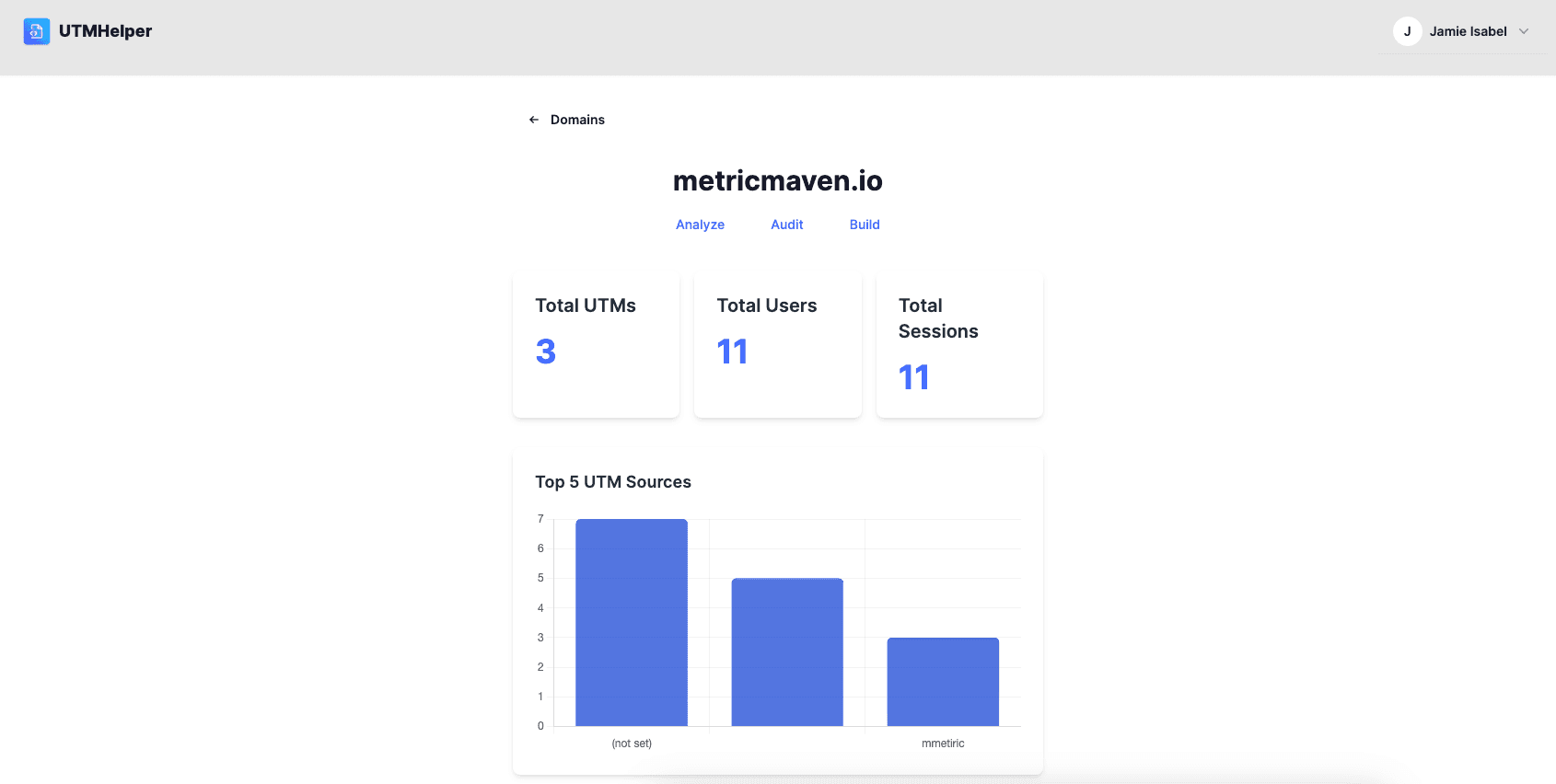
Improve your UTM attribution with UTM Helper
UTM Helper is a tool that helps you track your marketing campaigns. It allows you to create UTM parameters for your links and track them in your analytics tool.
How it works
1. Create an account
First, go to UTM Helper and create an account. Then select a subscription plan that fits your needs. Basic is best for entrepreneurs and marketers at a single company. Pro is best for agencies or teams managing multiple sites.
2. Add a snippet to your website.
Copy the SNIPPET CODE from your dashboard and place it at the head of your site.
<script defer data-domain=yourdomain.com src="https://utmhelper.com/unique-js-script.js"></script>3. Enjoy enhanced UTM tracking
UTM Helper now helps you pass UTMs to each page of your site and also automatically submits UTMs to your forms for full funnel tracking in your CRM.
Related Reading

How to Pass UTM Parameters between pages
Learn how to effectively pass UTM parameters between pages to ensure accurate tracking of your marketing campaigns.

How to Track UTMs in Forms
Learn how to track UTM parameters in forms to gain insights into your marketing campaign performance and user behavior.
Stop losing UTM data
UTM Helper persists campaign parameters across pages and auto-fills them into your forms. One script tag, full-funnel attribution.
Get Started Free →